Overview of Data Observability Quickstart Demo
What does it do?
DataKitchen Data Observability consists of two products that work closely together: DataOps Observability and DataOps TestGen.
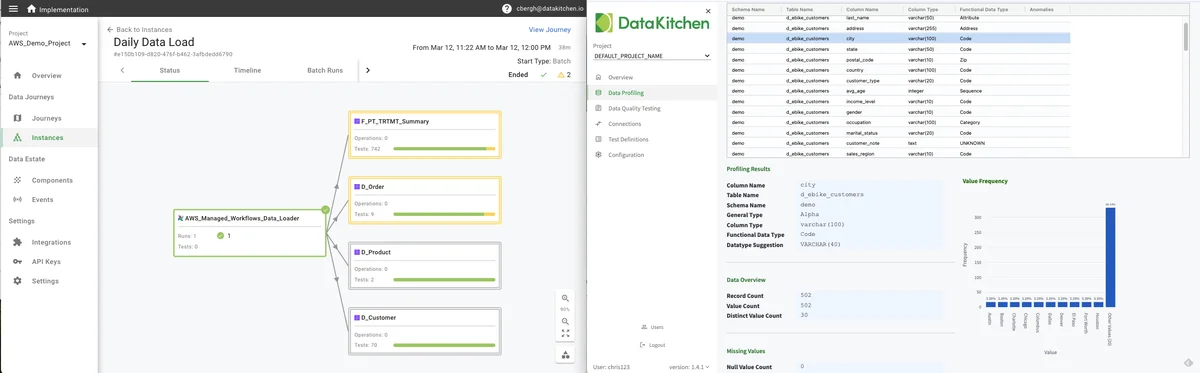
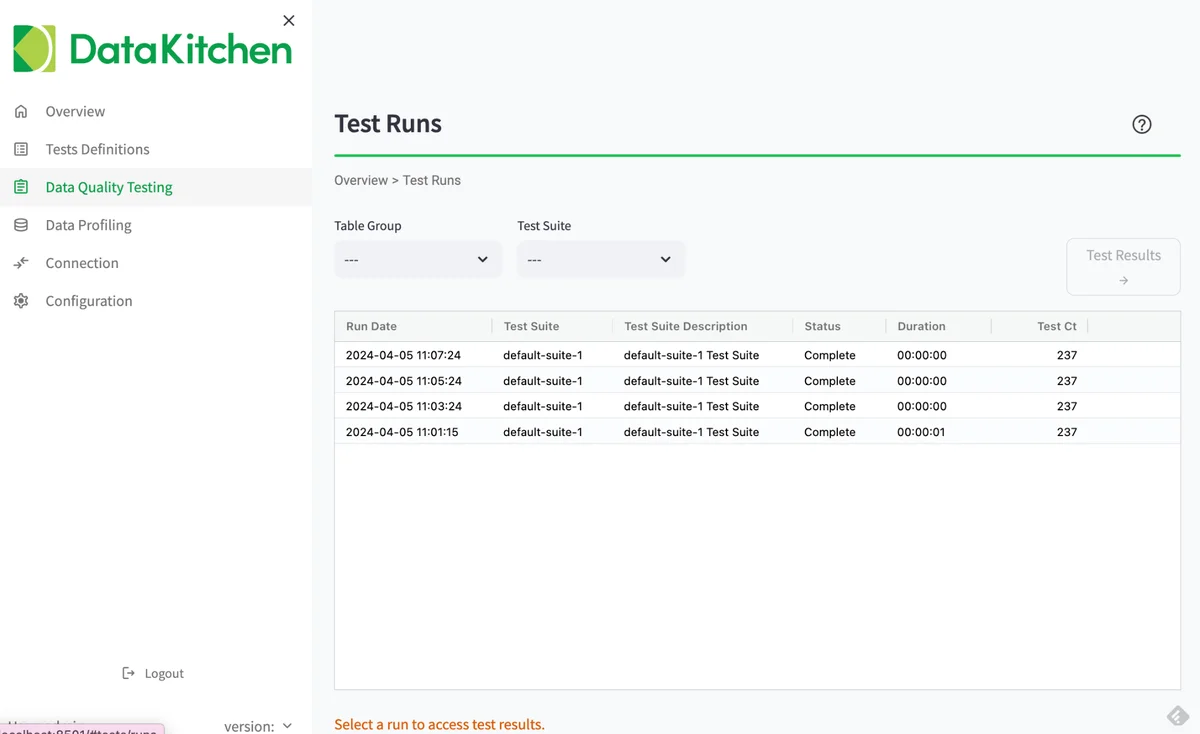
DataOps TestGen is a data quality verification tool that does five main tasks: (1) data profiling, (2) new dataset screening and hygiene review, (3) algorithmic generation of data quality validation tests, (4) ongoing production testing of new data refreshes and (5) continuous periodic monitoring of datasets for anomalies.
DataOps Observability monitors every tool used in the data journey from data source to customer value, from development to production, across every tool, team, data set, environment, and project so that problems are detected, localized, and understood immediately.
This Data Observability quickstart aims to help users understand how our data observability products cover critical use cases for data and analytic teams. Users will walk through DataOps Observability and TestGen capabilities, with offramps to try them on their data immediately.
The four use cases for the Quickstart are:
- Understand And Check Data Pre-Production: "Patch Or Pushback Data" (Use Case Overview)
- Find Problems In Constantly Changing Data With Anomaly Detection: "Polling: Arrival Aberration Alerts" (Use Case Overview)
- Locate Problems During Production Before Your Customers: "Production: Check Down and Across" (Use Case Overview)
- Integrate Your ToolChain Quickly: "Plug-in: Who Watches the Watchmen?"
Extra Credit: read more about two use cases not covered by this quickstart demo: Development/Deployment and Data Migration
Open Source and Enterprise versions
Our Data Observability products are offered in open-source (Apache 2.0 license) and enterprise versions. Our open-source version is fully functional for a single data engineer, while our enterprise version has additional features for teams and enterprises.
Data Observability architecture
DataOps Observability and TestGen are separate products that typically run in docker containers. For more information on detailed Observability architecture, see DataOps Observability. For more information on detailed TestGen architecture, see System Architecture and Security. The architecture in the image below showcases a DataOps observability system provided by DataKitchen.
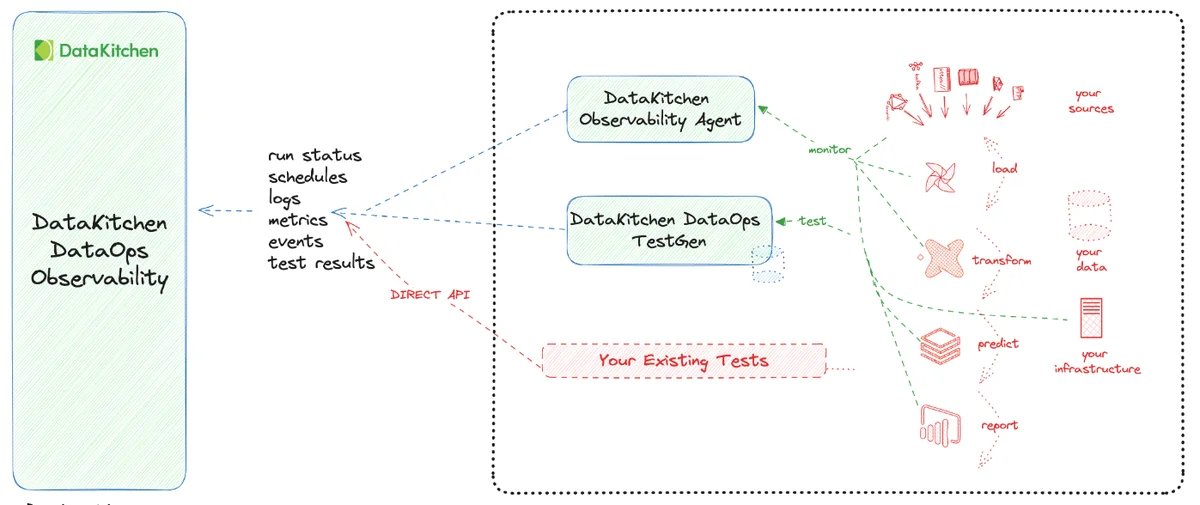
Here's a detailed description of the elements and their interactions:
- DataKitchen DataOps Observability: The system's central component is the hub for observability across the data pipeline.
- DataKitchen Observability Agent: This agent collects data from different parts of the end-to-end data and analytic pipeline, including run status, schedules, logs, metrics, events, and test results. It feeds this information into the DataOps Observability component for centralized monitoring.
- DataKitchen DataOps TestGen: This component generates automated data validation tests. It is connected to DataOps Observability and is used to verify the integrity and quality of the data at various stages of the data pipeline.
- Your Existing Tests: For the data quality validation tests you have written, test results are sent to the observability system through a Direct API, allowing their results to be included in the monitoring and reporting provided by the DataOps Observability component.
- Your Data and Analytic Pipeline Process: This diagram illustrates the various stages of the data and analytics pipeline, which include monitoring your sources, loading data, transforming it, making predictions, and generating reports. Each stage is connected to the Observability Agent, indicating that the agent monitors these stages and relays information to the DataOps Observability via Agents, TestGen, or direct API calls.
The dotted lines with arrows represent the flow of information from the data pipeline processes to the Observability Agent. The red dashed line also shows the path of events sent directly to the observability API.
Where to work
You should be able to access all steps in the Data Observability Quickstart through a web browser. However, you will need a terminal window for command-line instructions.
How to use this guide
You should walk through each of the five steps sequentially. Your total time should be one hour. Start with Part 1: Understand And Check Data Pre-Production.
Prerequisites for tutorials
You should have gone through all the DataOps Observability and DataOps TestGen installation and demo setup steps. You should be able to log in to each product and see its UI with the demo data loaded.
The login information is available on the installer's terminal output and in the dk-obs-credentials.txt and dk-tg-credentials.txt files. Open the URL in your browser (http://<your-IP-address>:8082 for Observability and http://localhost:8501 for TestGen) and use admin and the generated password to log in. Note that the generated passwords for Observability and TestGen are different.
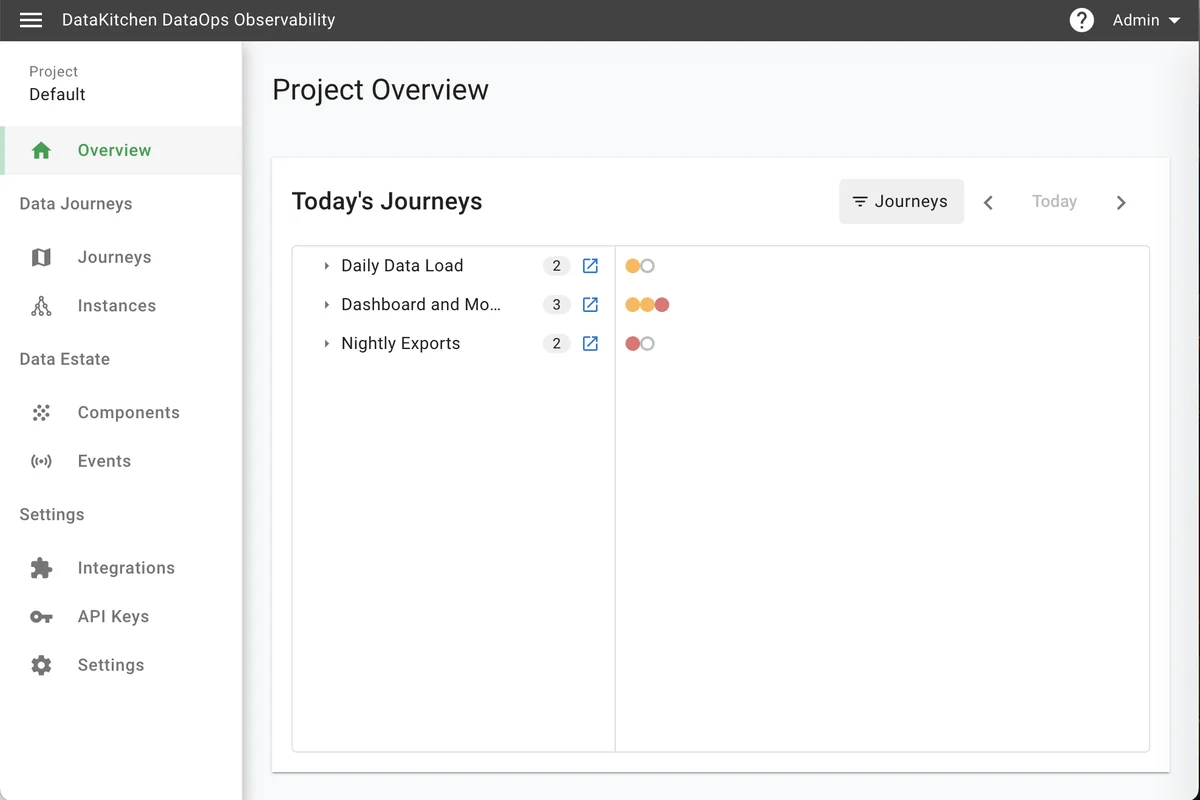
DataOps Observability Home Page with Test Data:
DataOps TestGen 'Data Quality Testing' Page: